Adobe Premiere remains one of the most capable cross-platform video editors, with a deep timeline, strong format support, professional collaboration and increasingly useful search, transcription and masking tools. It is also a recurring subscription with an annual commitment at its lowest advertised price, and its small single-app AI-credit allowance does not match the cost of serious generative-video use.
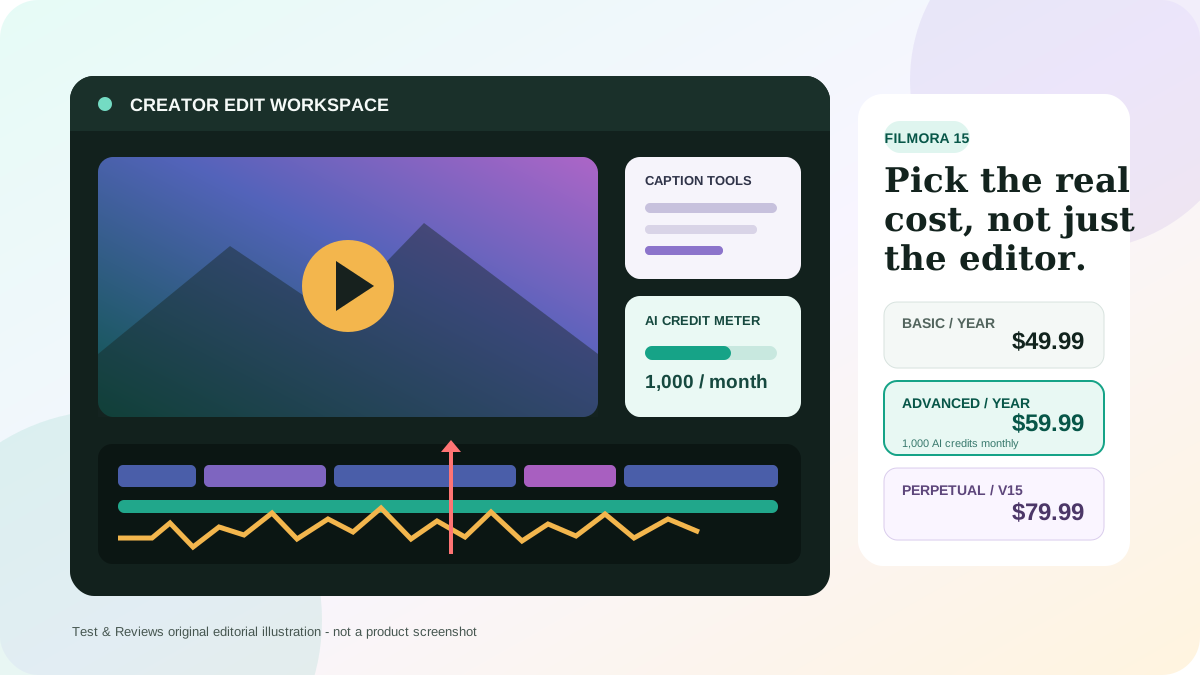
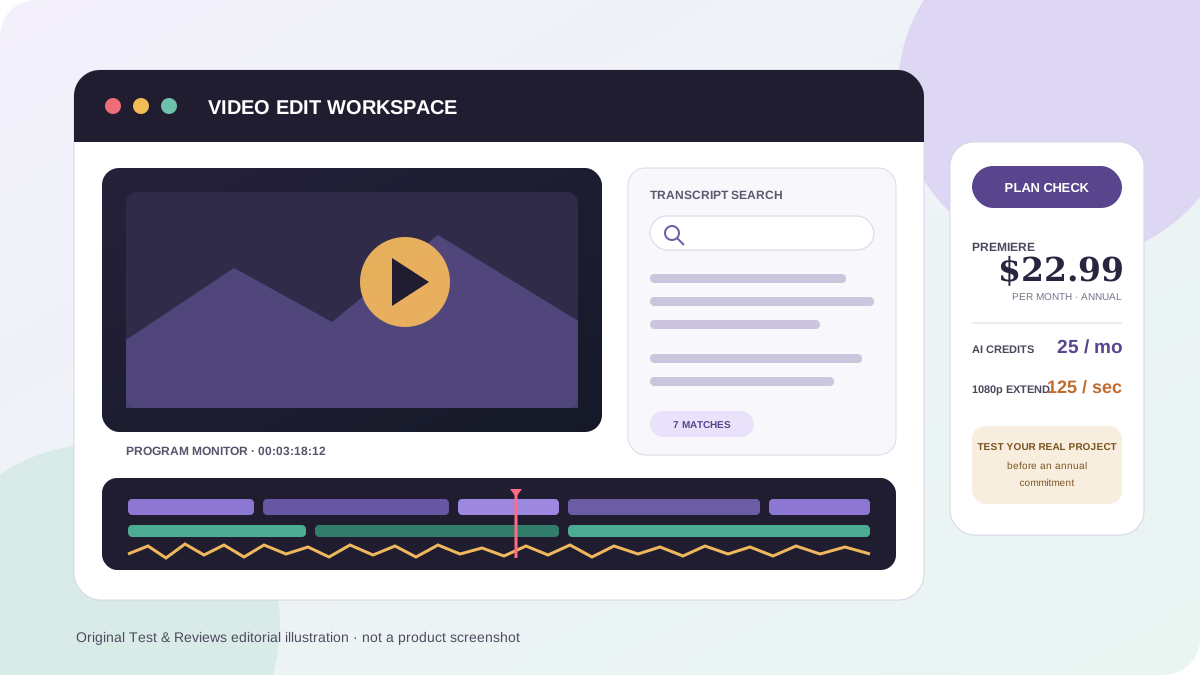
The original 2024 article presented a 35-second render result and stability observations as though Test & Reviews had measured them. We found no project files, source media, hardware record, export preset, logs or screenshots supporting that test. Its two images are AI-style scenes with invented editing interfaces. We have removed those claims from the current review and will not assign a score until Premiere completes the retained test protocol below.
Adobe Premiere quick verdict
Premiere is a strong fit for working editors and serious creators who need a conventional track-based timeline, broad handoff options and integration with After Effects, Photoshop, Audition or Frame.io. Text-Based Editing, media intelligence, caption translation and Object Mask can reduce repetitive work, while color management and format support make it suitable for much more than social clips.
It is harder to justify for an occasional editor who needs a few videos per month. The $22.99 headline rate is an annual contract paid monthly, not a flexible monthly rental, and canceling after the first 14 days can trigger a fee. Mac-only editors should compare Final Cut Pro's one-time purchase; editors who prioritize color, audio and a capable free tier should test DaVinci Resolve.
Our position: Premiere belongs on a professional shortlist, but capability alone does not prove stability or value on your media and hardware. Use the seven-day trial with a copy of a real project, record the result, and read the annual cancellation terms before paying.
Pros and cons
Pros
- Flexible track-based editing for short videos through complex productions.
- Strong integration with After Effects, Photoshop, Audition and Frame.io.
- Text-Based Editing, caption translation and media search can save real logging time.
- Current color management and professional interchange support suit mixed workflows.
- Runs on supported Windows and macOS systems, including Apple silicon.
Cons
- No perpetual license; the least expensive rate requires an annual commitment.
- The interface and media-management choices take time to learn properly.
- Performance and stability depend heavily on codecs, drivers, plugins and storage.
- Twenty-five included monthly generative credits are very limited for video generation.
- Premiere may be poor value if you do not use its broader Adobe workflow.
Premiere Pro is now Adobe Premiere
Adobe's current product pages and 2026 documentation call the desktop editor Adobe Premiere, dropping “Pro” from the displayed name. People still search for Adobe Premiere Pro, and existing projects, tutorials and integrations commonly use that wording, so this review uses both names where it helps clarity.
The current desktop release line is version 26. Adobe listed version 26.3 in June 2026 alongside the 25.6.6 long-term-supported release. That distinction matters in paid production: installing every feature update immediately is not automatically safer than using a tested release. Preserve the known-good app version, plugins, drivers and project copy before upgrading.
What Premiere does especially well
A mature timeline and broad post-production workflow
Premiere's core advantage is still its nonlinear track-based editor. It handles multicamera work, nested sequences, proxies, keyframed effects, detailed audio routing, captions, color correction and many professional camera formats inside a customizable workspace. Editors can move graphics to After Effects, images to Photoshop and audio to Audition without rebuilding the whole project.
This depth is valuable when the deliverable changes repeatedly or several specialists touch the same job. It also creates complexity. Media locations, cache, scratch disks, proxies, color space, sequence settings, plugins and export presets all influence the outcome. A beginner can cut a simple video quickly, but a reliable professional workflow requires more than learning where the razor tool is.
Text-Based Editing and captions
Premiere can transcribe dialogue, create captions and let an editor assemble or trim an interview through its transcript. Caption Translation can create additional language tracks using cloud services and third-party translation models. This is useful for interview, training, podcast and social content, but generated text and translations still require human review for names, technical vocabulary, timing and meaning.
Media intelligence and search
The current Search panel can find footage through visuals, transcripts, metadata and described sounds. Visual search can return a specific range inside a long clip, and similar-frame search can surface alternate takes. Adobe says visual analysis does not identify people and does not perform optical character recognition.
Search quality should be tested on your library rather than assumed. Our protocol measures whether it finds known shots, how long initial analysis takes, how much cache or sidecar data it creates and whether another editor can reuse that analysis.
Object Mask and current AI tools
Object Mask, currently documented as beta, can identify a person or object, generate a mask and track it through a shot for selective correction, blur or effects. Sharp and Smooth edge modes address different subjects, although Smooth masks have version and Team Projects limitations. Mask data is stored outside the project file, so that folder must travel with the project.
Generative Extend can add up to two seconds of video or up to ten seconds of ambient audio to cover a transition or hold a moment. It is not a magic repair system: speed-remapped clips are not supported, generated extensions have transcription and media-search limitations, and the output must be reviewed for visual continuity and disclosure requirements.
Adobe Premiere pricing in 2026
Table tip: swipe horizontally to compare price, commitment and included capacity.
| Plan | Current public US price | Commitment | Included highlights |
|---|---|---|---|
| Premiere for individuals | $22.99/month | Annual, billed monthly | Desktop and iPhone apps, Adobe Express Premium, 100GB storage, 25 monthly generative credits |
| Creative Cloud Pro | $69.99/month regular price | Annual, billed monthly | 20+ creative apps, 100GB storage, 4,000 premium credits and unlimited standard generations |
| Premiere for teams | $37.99/month per license | Annual, billed monthly | Single-app team license and administrative features |
| Creative Cloud Pro for students | $19.99/month first year; $39.99 after | Eligibility and annual terms apply | 20+ apps for eligible students and teachers |
Prices were checked July 22, 2026, before tax. Adobe currently advertises a temporary introductory Creative Cloud Pro discount for new subscribers, but a short promotion should not be used as the long-term budget. Confirm the price, commitment, renewal rate, storage and credits shown at checkout for your region.
The $22.99 price is an annual contract
“Annual, billed monthly” means twelve months of commitment with monthly payments. Under Adobe's current US terms, canceling within 14 days of the initial order provides a full refund. Canceling an annual plan paid monthly after that window can cost 50% of the remaining contract balance. An annual prepaid plan is non-refundable after 14 days, while a month-to-month plan has different terms.
This is one of the most important facts in the review because the checkout can feel like a monthly subscription. Save the order summary and renewal date, and choose true month-to-month billing if flexibility is more important than the lower annual rate.
Generative video needs more than 25 credits
The individual Premiere plan currently includes 25 generative credits per month. Adobe's published rate for Generative Extend at 1080p and 30 frames per second is 125 credits per generated second. A full two-second extension can therefore consume 250 credits at that setting—ten times the included monthly allowance.
Adobe may provide complimentary generations or offer additional Firefly credit plans, and rates can change. The practical lesson is stable: do not assume that “Firefly included” means frequent generative-video use is covered by the single-app price. Estimate the resolution, frame rate, seconds generated and retry rate before choosing between Premiere, Creative Cloud Pro and a credit add-on.
Hardware requirements and real performance
Adobe's minimum requirements are intended for HD editing, not a guarantee of a comfortable 4K workflow. For Windows, Adobe currently recommends Windows 11 24H2, an Intel 11th-generation or newer CPU with Quick Sync or AMD Ryzen 3000-series or newer, 16GB RAM for HD, 32GB or more for 4K, 8GB of GPU memory and fast SSD storage. On macOS, Adobe recommends Apple silicon M1 Pro, M1 Max, M1 Ultra or newer with 16GB unified memory and fast SSD storage.
Those specifications still cannot predict performance from a product name alone. H.264, HEVC, RAW, long-GOP screen recordings, multicamera material, noise reduction, third-party effects and mixed frame rates stress different parts of a system. Proxy creation may produce a better editing experience than buying a slightly faster CPU.
The old article's claim that our five-minute 1080p project exported in 35 seconds has been removed because no evidence survives. A useful benchmark must publish the source codecs, duration, effects, sequence and export settings, application version, operating system, CPU, GPU, memory, storage, driver, elapsed time, dropped frames and failures.
Stability: test the complete system, not the brand name
Adobe's current known-issues record shows both resolved and active problems across specific releases and formats. Version 26.3 fixed issues involving slow imports, several crashes and object-mask behavior, while other format-specific issues remained under review. This supports a cautious workflow, not a blanket claim that Premiere always crashes or never crashes.
For paid work, disable automatic removal of the previous application version, retain a project copy before migration, update GPU drivers deliberately and test critical plugins. Adobe provides current and previous major versions through Creative Cloud. Premiere also maintains Auto-Save and Recovery Projects folders; reduce the autosave interval and keep source media and project backups separate from cache files.
Premiere versus the main alternatives
| Editor | Best reason to choose it | Current purchase model | Main trade-off |
|---|---|---|---|
| Adobe Premiere | Adobe integration, conventional timeline, collaboration and broad handoff workflow | $22.99/month on an annual plan | Recurring cost and contract terms |
| DaVinci Resolve | Powerful free editor plus deep color, Fusion and Fairlight environment | Free; Studio $295 one time | Different workflow and its own learning curve |
| Final Cut Pro | Optimized Apple workflow and no required recurring license | $299.99 one time; also available through Apple Creator Studio | Mac only and a magnetic-timeline model |
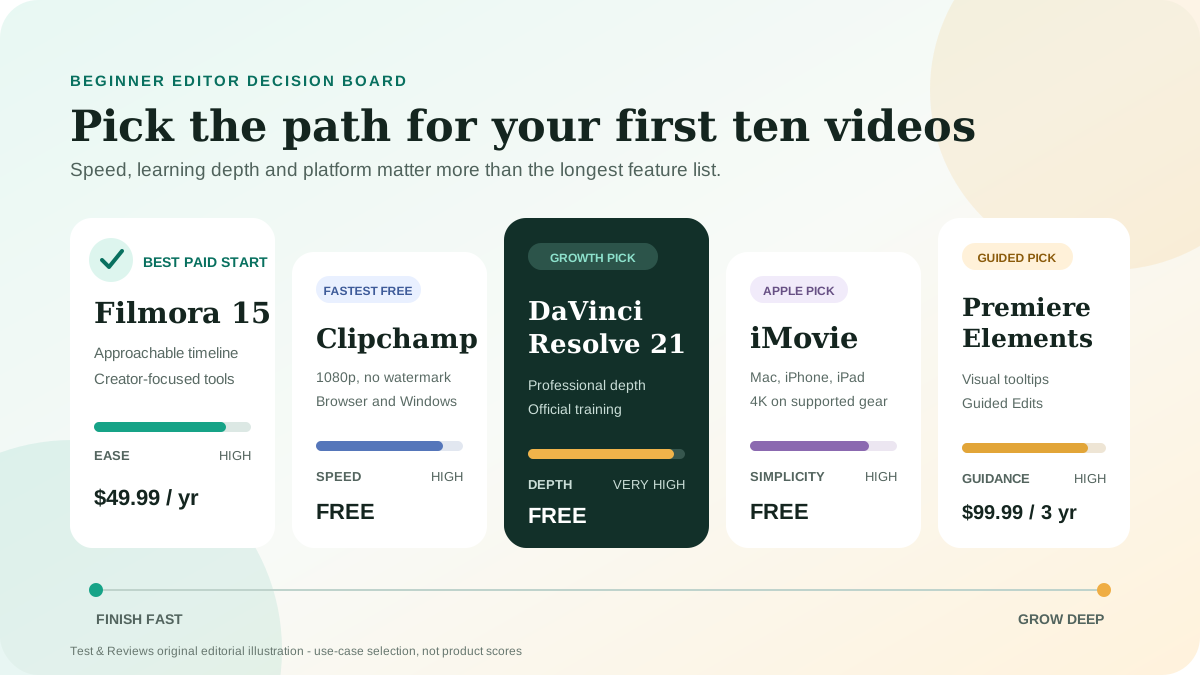
| Filmora | Faster onboarding for straightforward creator and social projects | Multiple license options | Less suitable for complex professional handoffs |
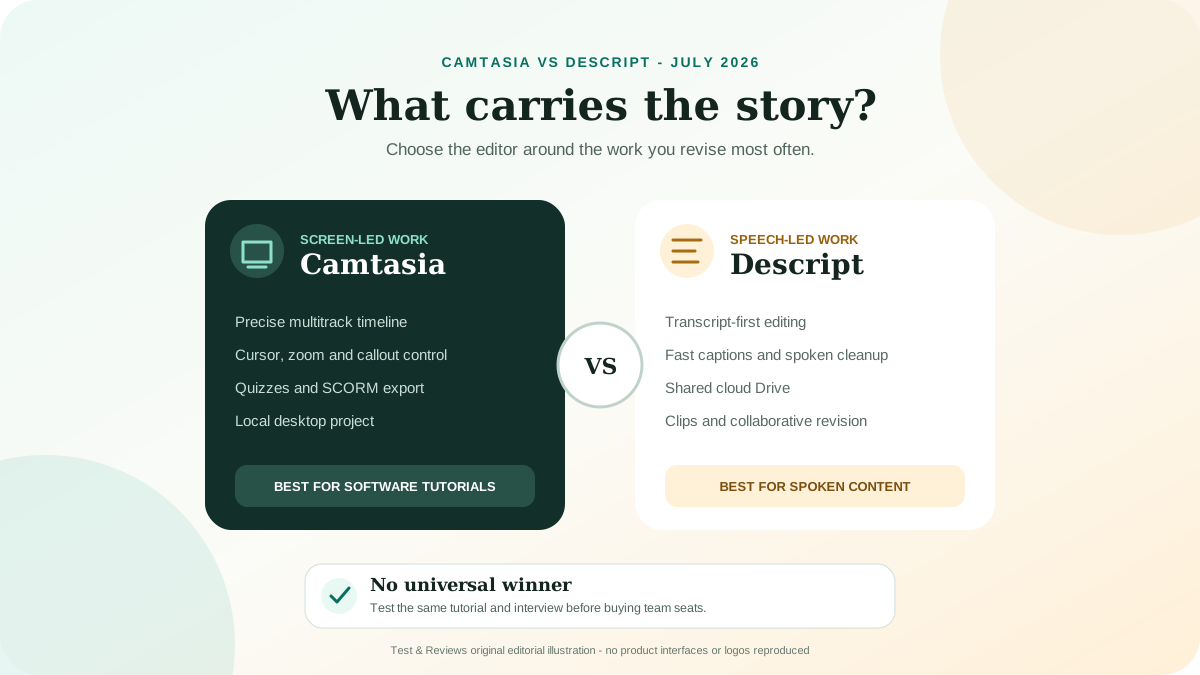
| Descript | Transcript-first editing for spoken content and quick repurposing | Subscription tiers | Not a full replacement for every advanced timeline workflow |
Choose with one representative project rather than a feature checklist. DaVinci Resolve's free tier can make its total cost dramatically lower. Final Cut Pro is compelling for a Mac-only editor. Premiere becomes more valuable when After Effects, Photoshop, Audition, Frame.io or client interchange are part of the real workflow.
Who should choose Adobe Premiere?
- Choose Premiere when you need a mature cross-platform timeline and regularly exchange work with Adobe users.
- Choose the single-app plan when Premiere and Express cover the workflow and generative video is occasional.
- Compare Creative Cloud Pro when After Effects, Photoshop or Audition already have measurable value, or premium AI usage is material.
- Choose DaVinci Resolve first when budget, color and audio depth matter more than Adobe integration.
- Choose Final Cut Pro first when the workflow is Mac-only and a one-time license is important.
- Use a simpler editor when fast social clips matter more than advanced interchange, finishing and collaboration.
Our 30-day Adobe Premiere test plan
- Record the exact Premiere version, operating system, CPU, GPU, driver, memory, storage and plugins.
- Retain a 30-minute mixed-codec source package with 4K H.264, HEVC, phone footage, separate audio and still images.
- Create a ten-minute finished sequence with multicamera edits, captions, color work, audio cleanup, graphics and two delivery ratios.
- Measure import, proxy creation, launch, playback, render and export time using fixed presets.
- Record dropped frames, crashes, hangs, relinks, recovery success and every failed export.
- Test transcript accuracy, caption translation, media search and Object Mask against known expected results.
- Measure generative-credit consumption and retain each Generative Extend prompt, setting, output and retry.
- Move the project to a second machine and verify media, fonts, plugins, masks, proxies and exports.
- Complete one Frame.io review cycle and one After Effects handoff.
- Export and reopen the project, confirm cancellation terms, and compare total time and cost with DaVinci Resolve or Final Cut Pro.
A score requires this evidence. Other reviewers can help identify likely strengths and failure modes, but their hardware, footage and tolerance for complexity are not ours.
Final verdict
Adobe Premiere remains a credible professional editor because its core timeline, format range and surrounding post-production ecosystem solve difficult real work. Its newer AI features are most persuasive when they reduce logging, transcription and masking time; generative video is less compelling on the small single-app credit allowance.
The decision comes down to workflow economics. At $22.99 per month, Premiere can be inexpensive for a working editor who bills hours and exchanges Adobe projects. It can be poor value for an occasional creator who could finish the same work in DaVinci Resolve, Final Cut Pro or a simpler editor without a continuing annual contract. We recommend a real-project trial and version-pinned stability test. Until that is complete, Test & Reviews will not invent a score.
View current Adobe Premiere plans — direct official link, not an affiliate link as of this update.
Frequently asked questions
How much does Adobe Premiere cost?
Adobe currently lists Premiere for individuals at $22.99 per month on an annual plan billed monthly. The plan includes 100GB of cloud storage, Adobe Express Premium and 25 monthly generative credits. Prices and promotions vary by market.
Can I buy Adobe Premiere once?
No current perpetual Premiere desktop license is offered. DaVinci Resolve Studio and Final Cut Pro are prominent alternatives with one-time purchase options.
Is Premiere suitable for beginners?
A beginner can make a basic edit, but Premiere exposes many professional concepts involving media, sequences, color, audio, cache and export. A simpler editor may be faster for occasional work; Premiere becomes easier to justify when the user intends to learn a deeper workflow.
Does Premiere include generative AI?
Premiere includes assistive AI features and access to generative tools, but usage depends on the plan's credits. The individual single-app plan currently includes only 25 monthly credits, while premium video generation can consume many credits per second.
Has Test & Reviews benchmarked Adobe Premiere?
Not to our current evidence standard. The old article's render number had no retained source files, settings or logs, so it has been withdrawn. Our new 30-day protocol defines what must be recorded before publishing performance conclusions or a score.
Sources and update record
Pricing and product facts were checked against Adobe's official Premiere plans, US cancellation terms, technical requirements, release notes, generative-credit rules, and documentation for media intelligence and Object Mask. Official Apple and Blackmagic pages were used for alternative pricing. Independent hands-on reviews were used only to define comparison and test questions.