Trello remains one of the clearest ways to organize work on a visual board. Its Free plan can be enough for a small group, while Standard costs $5 per user per month with annual billing and adds unlimited boards, larger attachments, Custom Fields, advanced checklists and more automation. The simplicity is valuable, but it becomes a limitation when work needs detailed dependencies, resource planning or reporting across many projects.
The original 2023 article says the owner used Trello and found it intuitive. We preserve that as a dated personal impression, not as a current controlled test: no account export, board, workflow log or genuine product screenshots were retained. This update verifies current plans, limits, billing and security, removes unsupported quotations and sets the conditions for a future score.
Trello quick verdict
Trello is a strong choice for individuals and small teams whose work can be understood as cards moving through a few stages. It is quick to explain, visually legible and less tempting to overconfigure than a broader platform such as ClickUp. Standard is the practical paid tier for teams that outgrow Free. Premium is mainly justified by its extra views, broad board AI, exports and advanced administration.
Choose something more structured when projects require dependable task relationships, workload allocation, budgets, complex portfolios or detailed cross-project reporting. Power-Ups can extend Trello, but adding several third-party services creates its own cost, privacy and maintenance burden.
Our position: Trello deserves a trial when adoption and visual clarity matter more than feature depth. We are withholding a numeric rating until the current product is used in a retained multi-user workflow rather than scoring it from old prose.
Pros
- A simple board, list and card model that is easy to explain.
- Useful Free plan with unlimited cards and Power-Ups.
- Standard is inexpensive and adds the features many working teams need.
- Built-in automation is available on every plan.
- Single-board guests are free on paid Workspaces.
Cons
- Free is limited to 10 collaborators and 10 open boards per Workspace.
- Members and guests on two or more boards can make billing less obvious.
- Advanced views, export and stronger administration require Premium.
- Automation uses pooled Workspace quotas and operations, not only rule counts.
- Complex dependencies, capacity planning and portfolio reporting are not Trello's core strengths.
What Trello is best at
Trello organizes work into boards, vertical lists and cards. A basic workflow might use Backlog, Ready, In progress, Review and Done. Cards can contain owners, due dates, descriptions, comments, checklists, attachments and labels, then move across lists as work changes state.
This model is especially useful for editorial calendars, lightweight product backlogs, recruiting pipelines, personal planning and repeatable operational work. A team can look at one board and understand what is waiting, active or complete without learning a complicated project hierarchy.
Modern Trello also includes Inbox for capturing incoming work and Planner for calendar-based planning. Standard adds card mirroring, Custom Fields, advanced checklists, list colors and collapsible lists. Power-Ups connect external tools, although Trello warns that some third-party Power-Ups require a separate subscription.
Trello pricing in 2026
| Plan | Annual billing | Monthly billing | Main reason to choose it |
|---|---|---|---|
| Free | $0 | $0 | Up to 10 collaborators and 10 open boards |
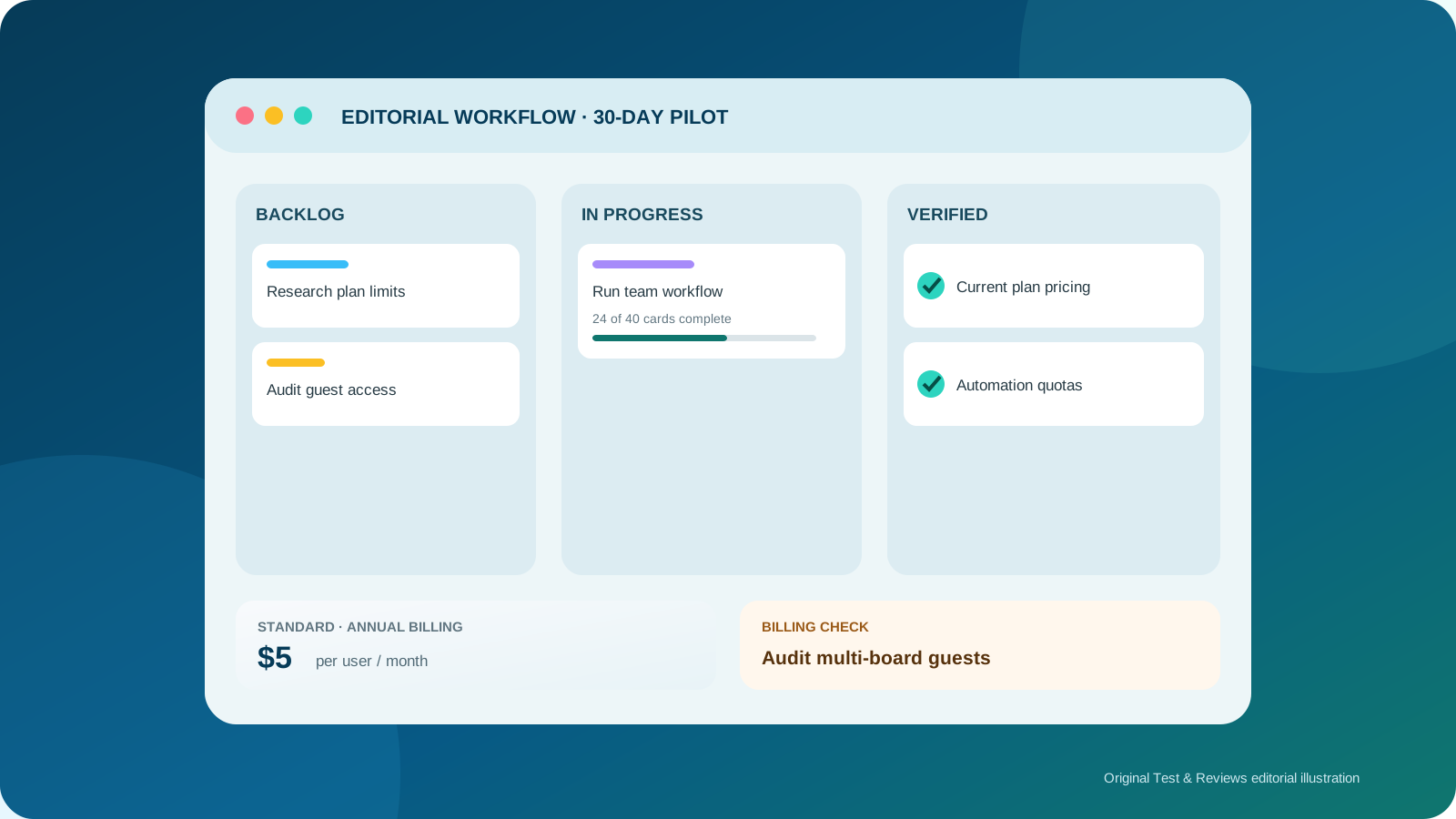
| Standard | $5/user/month | $6/user/month | Unlimited boards, core customization and more automation |
| Premium | $10/user/month | $12.50/user/month | Views, AI, exports and advanced administration |
| Enterprise | $17.50/user/month | Annual only | Organization-wide governance and included Atlassian Guard |
These are current public US-dollar prices before tax. Enterprise is displayed as $210 per user annually, although volume or sales terms may change the final quote. Always calculate from the actual Workspace upgrade screen because Trello bills the people attached to that Workspace, not merely the person pressing Upgrade.
Free versus Standard
Free includes unlimited cards, unlimited Power-Ups per board, activity history, due dates, assignees, mobile apps, two-factor authentication and 10MB attachments. Its practical constraints are 10 collaborators, 10 open boards and 250 automation runs per Workspace each month. All members of a Free Workspace are admins, so it is not ideal when invitation and configuration rights must be restricted.
Standard removes the board and collaborator caps and increases individual attachments to 250MB. It adds Custom Fields, advanced checklists, card mirroring, saved searches, list colors and collapsible lists. Its automation allowance rises to 1,000 runs and 20,000 operations per Workspace each month.
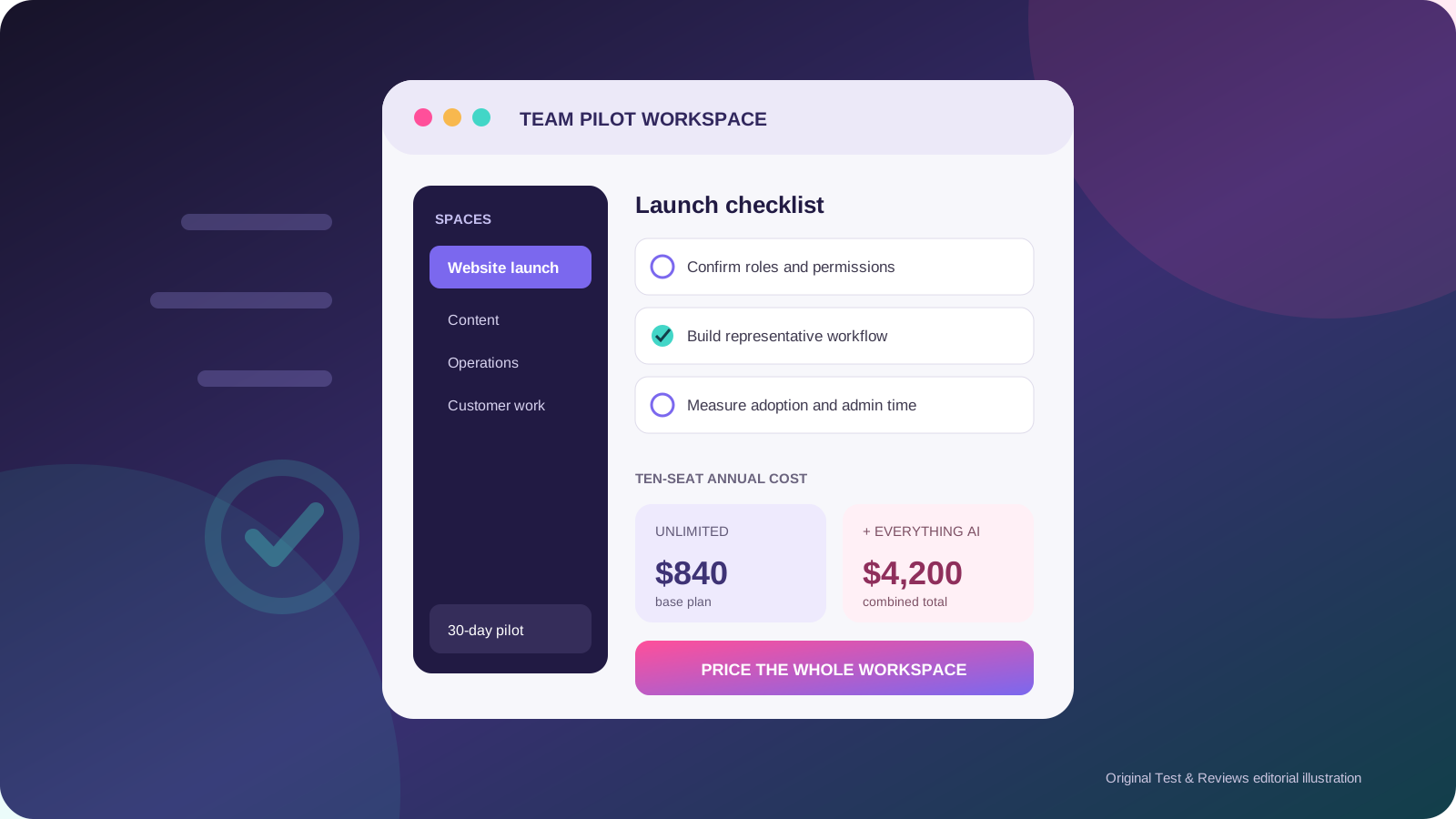
For a team that likes Trello's board model, Standard is usually the sensible upgrade. It costs $600 per year for ten people on annual billing. Before paying, reduce Workspace membership to the people who genuinely need access across several boards.
When Premium is worth twice the annual price
Premium costs $1,200 per year for ten people on annual billing. Its major additions are Calendar, Timeline, Table, Dashboard and Map views, plus Workspace-level Table and Calendar views. It also provides board observers, collections, Workspace templates, simple data export, broader AI features and more administrative controls.
Premium advertises unlimited automation runs, but that does not mean every automation resource is unbounded. Atlassian currently documents a pooled allowance of 150,000 operations plus 10,000 for each paid user, capped at 250,000 per Workspace. A single run may consume multiple operations, and Trello can impose per-minute and per-run limits.
Standard's pricing page mentions AI-powered Quick Capture, while Premium lists AI for generating, rewriting, correcting and brainstorming card content. The distinction matters: Standard includes a narrower capture feature; Premium unlocks broader in-board AI. Test the exact function you need instead of treating “AI” as one uniform feature.
The billing rule most teams miss
Standard and Premium upgrade one Workspace at a time. If the same people belong to two separately upgraded Workspaces, they can be billed twice. Consolidating related boards before upgrading can therefore reduce cost.
All Workspace members and multi-board guests are billable. A multi-board guest is someone outside the Workspace who belongs to two or more of its boards. Single-board guests are free on paid Workspaces, but they do not receive every Workspace-level feature.
Removing someone leaves a transferable paid seat until the current billing period ends. If it remains empty at renewal, Trello reduces the seat count to the current billable users. New people added mid-cycle are prorated. Audit members, guests and empty seats before every renewal rather than relying on the visible board count.
Automation needs two measurements
Trello Automation, previously associated with the Butler name, is available on every plan. Rules can react when a card moves, a due date approaches or a field changes; card and board buttons can trigger repeatable actions.
| Plan | Runs/month | Operations/month |
|---|---|---|
| Free | 250 | 2,500 |
| Standard | 1,000 | 20,000 |
| Premium | Unlimited | 150,000 + 10,000/user, maximum 250,000 |
| Enterprise | Unlimited | Same published operation formula and cap |
A run is one trigger; every action inside it uses at least one operation. Email quotas are separate, and one message to every board member can consume one email unit per recipient. Teams planning heavy automation should model both runs and operations against a representative month.
Cancellation, refunds and exports
Trello offers a 14-day Premium trial. If a payment method is attached, the Workspace automatically converts to the selected paid plan when the trial ends unless the upgrade is canceled. Without a payment method it returns to Free.
Standard or Premium can be canceled from the web billing page and remains active until the end of the paid period. Atlassian's Trello billing guide says refunds are available within the first 30 days of upgrading a Workspace; confirm eligibility for the exact purchase and channel.
After a downgrade, the 10 most active boards stay open and other boards are closed rather than deleted. Boards become view-only until collaborators are reduced to 10 or fewer. Paid-feature data is hidden, not deleted, but Atlassian explicitly recommends exporting before downgrading. Premium admins can export Workspace data in CSV and JSON and optionally include raw attachments.
Security and governance
Atlassian states that Trello customer data is encrypted in transit with TLS 1.2 or later and stored on drives using AES-256 encryption. Two-factor authentication is available on Free. Premium adds Workspace administration and security controls, while Enterprise adds organization-wide permissions, restrictions on attachments and Power-Ups, public-board management, SSO and user provisioning through Atlassian Guard Standard.
Do not assume Trello supports the same regional data pinning as Jira and Confluence. Atlassian's current data-residency eligibility page lists Jira products, Confluence and Loom but does not list Trello. An organization with residency requirements should obtain a written Trello-specific answer and review Power-Up data flows before purchase.
Trello versus ClickUp
Trello is easier to explain because the board is the product's center. ClickUp bundles a deeper hierarchy, Docs, Chat, forms, dashboards, time tracking and broader reporting. That makes ClickUp more capable for a team replacing several tools, but also easier to overbuild.
| Choose Trello when | Choose ClickUp when |
|---|---|
| A visual card workflow covers most of the work. | You need several views, hierarchy and detailed fields across projects. |
| Fast adoption matters more than configuration depth. | You want Docs, Chat, forms and time tracking in the same platform. |
| Standard's $5 annual rate covers the needed features. | ClickUp Unlimited's broader $7 package can replace other subscriptions. |
| You can keep reporting and dependencies lightweight. | Cross-project reporting and process control are central requirements. |
Read our updated ClickUp review for its complete plan and AI cost analysis. Neither product should be chosen from a feature table alone; pilot the same workflow in both and count the administration time.
Our Trello test plan
- Create a new Free Workspace with administrator, member and guest scenarios.
- Run an editorial or product workflow with at least 40 real cards for 30 days.
- Measure the time needed for new users to create, assign, update and find work.
- Build representative rules and record runs, operations and failed automations.
- Upgrade to Standard, verify billing for members and single- versus multi-board guests, then test Custom Fields and card mirroring.
- Use a Premium trial for Timeline, Dashboard, exports, observers and AI, with the renewal state documented.
- Export CSV, JSON and attachments, then document the downgrade behavior.
- Compare adoption, missed work, notification volume and total cost with the same ClickUp workflow.
Final verdict
Trello remains compelling because it does less than the largest project platforms and makes that smaller model easy to understand. Free is a credible evaluation tier, and Standard at $5 per user per month annually is good value when a team needs unlimited boards and useful card customization.
Premium is a more deliberate purchase: its extra views, AI, exports and controls can be valuable, but double the annual Standard price. Billing across members, multi-board guests and separate paid Workspaces deserves as much attention as the headline rate. We will add a score only after completing and preserving the team test above.
View current Trello pricing — direct official link, not an affiliate link as of this update.
Sources and update policy
Current facts were checked against Trello's official pricing page, Atlassian's guides to plan features, Workspace billing, automation quotas, cancellation and downgrade behavior and Atlassian's current security documentation. Independent sources were consulted only to identify evaluation questions.
Facts and prices were checked July 22, 2026. The next scheduled review is October 22, 2026, or sooner after a material plan, billing, automation, AI or data-governance change.