ClickUp offers unusually broad project-management features for $7 per user per month on an annual Unlimited plan. Tasks, Docs, Chat, time tracking, forms, dashboards and automations can live in one Workspace. That breadth is its advantage and its main risk: a team can replace several tools, or build a complicated system that nobody enjoys maintaining.
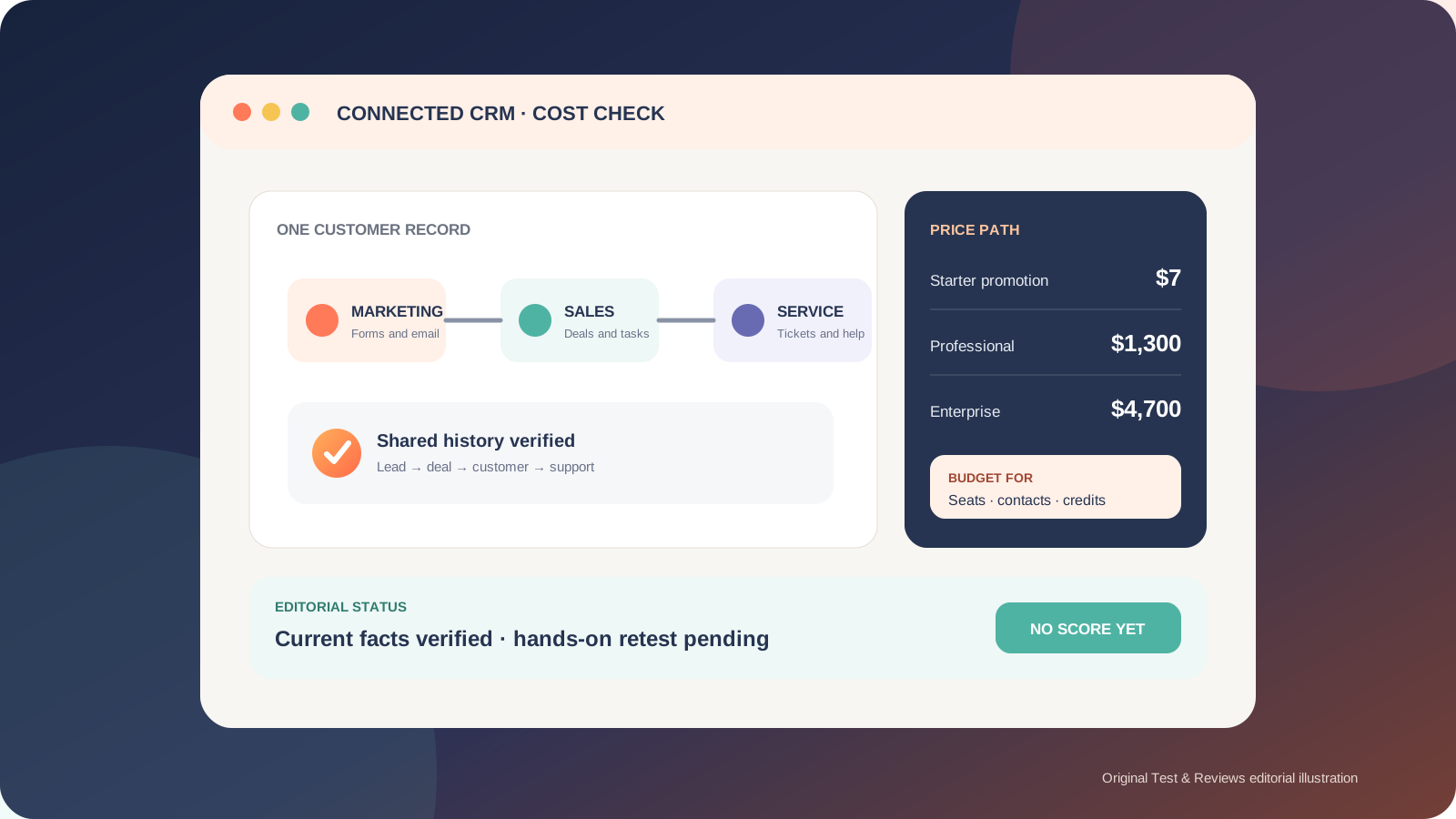
This is a researched ClickUp review, not a hands-on score. The previous article did not retain an account, test workspace, workflow log or original screenshots that could support its personal-sounding verdict. We therefore checked the current product, prices, limits, billing terms and security documentation, removed unsupported claims, and set out the exact team test required before publishing a rating.
ClickUp quick verdict
ClickUp looks strongest for a growing team that wants flexible task management and several collaboration tools in one subscription. Unlimited is the value tier; Business becomes relevant when advanced dashboards, sprint reporting, Google SSO, more automation and stronger controls matter.
It is a weaker fit for a small team that wants a simple, prescriptive workflow. The product exposes many views, fields, statuses, relationships and optional features. That flexibility creates an administration cost which is not visible in the subscription price. AI can also change the economics because its add-on is purchased for every member and open seat in the Workspace.
Our position: ClickUp deserves a shortlist place on features and price, but not a numeric score from us until we build and operate a representative team Workspace. Start with a small pilot, limit customization, and calculate the complete per-seat cost before migrating.
Pros
- Competitive $7 annual Unlimited price with storage, forms, Gantt, time tracking, Docs and Chat.
- Highly configurable hierarchy, task fields, statuses, views and automations.
- A useful free plan for learning the interface before a team migration.
- Business adds meaningful reporting, automation, proofing and identity features.
- Published security controls include encryption, independent certifications and Enterprise data-region choices.
Cons
- The breadth can produce a steep setup and learning curve.
- Free has only 60MB of storage and several important usage limits.
- Brain AI and Everything AI apply to all members and open seats, so costs scale quickly.
- Removing a paid member leaves an open seat rather than automatically reducing the bill.
- Selected data residency does not guarantee that every subprocessor, including AI providers, processes data only in that region.
What ClickUp actually replaces
ClickUp starts with tasks organized through Workspaces, Spaces, Folders and Lists. Teams can add custom statuses and fields, priorities, dependencies, recurring work, time estimates and multiple views. Gantt, board, calendar and workload-style views let the same work be presented differently without copying it into another system.
The broader platform adds collaborative Docs, Whiteboards, forms, dashboards, goals, time tracking, email features and ClickUp Chat. Zapier's current product overview also describes ClickUp's value as bringing project documents, planning and team discussion into one place. That makes the all-in-one proposition credible as a feature claim, but whether it reduces context switching depends on the team's actual adoption.
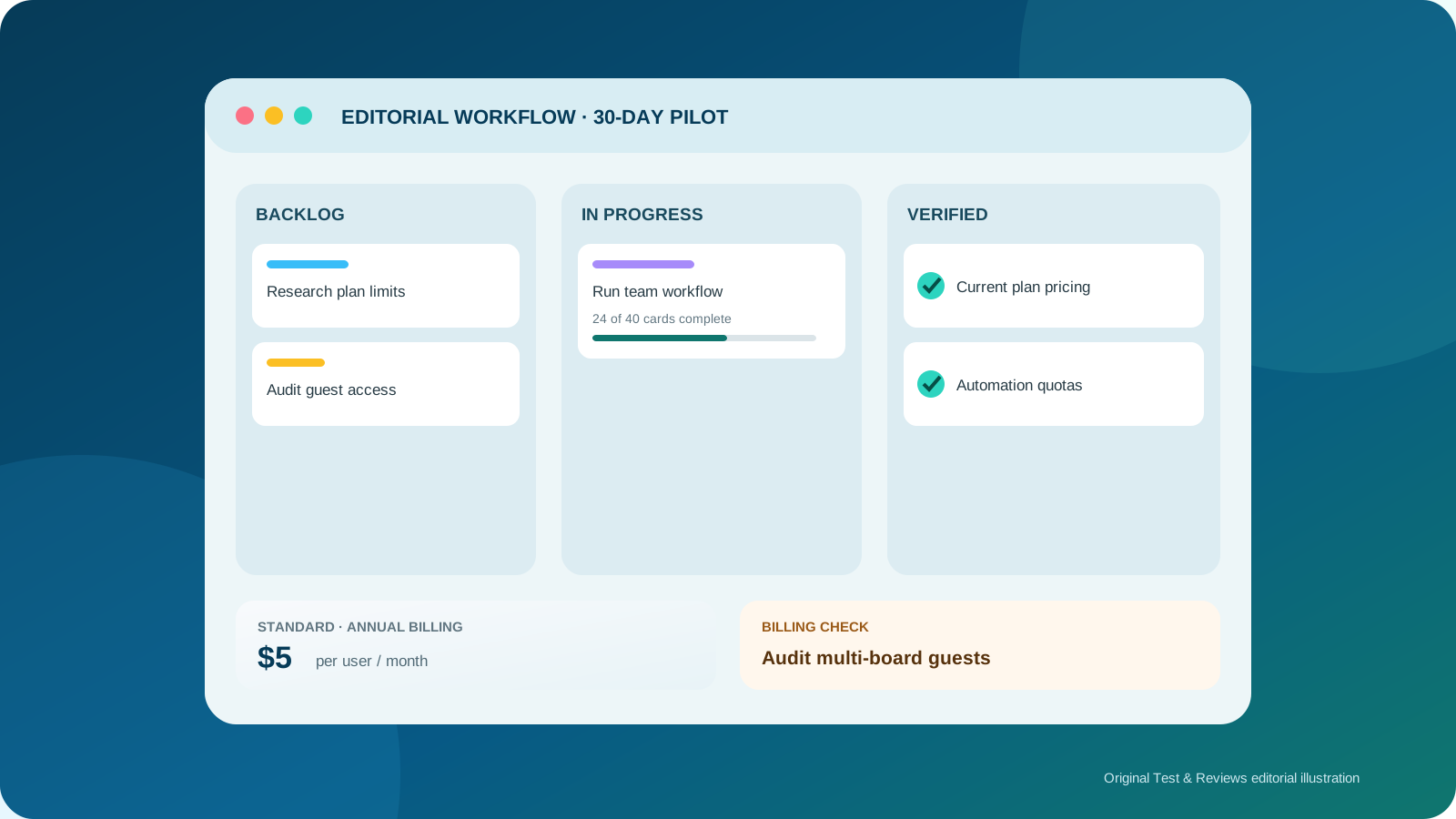
Do not enable everything on day one. A practical pilot starts with one Space, a small set of statuses, two or three views and a single intake form. Add dashboards, automations and custom fields only when a real workflow requires them. This keeps the pilot focused on whether people can find, update and complete work reliably.
ClickUp pricing in 2026
| Plan | Annual billing | Monthly billing | Best fit |
|---|---|---|---|
| Free Forever | $0 | $0 | Learning ClickUp and very small personal workflows |
| Unlimited | $7/user/month | $10/user/month | Small teams needing the core all-in-one toolkit |
| Business | $12/user/month | $19/user/month | Teams needing advanced reporting, automation and controls |
| Enterprise | Custom | Custom | Governance, provisioning, audit and data-residency requirements |
Prices are in US dollars before tax. The annual rates come from ClickUp's current pricing page; the month-to-month rates are stated in ClickUp's own current pricing comparisons. Checkout is the final authority because currency display, promotions and account-specific offers can change.
Free includes unlimited tasks and free-plan members, but only 60MB storage. Official limit documentation also lists one Form, three Whiteboards and 60 Gantt uses. Unlimited removes important storage, form and Gantt restrictions, adds native time tracking, goals, portfolios, resource management and integrations, but it still has plan-specific hierarchy and feature limits.
Business adds advanced dashboards, unlimited message and activity history, 5,000 automations per month, sprint reporting, Google SSO, SMS two-factor authentication, custom exporting and unlimited proofing. Enterprise adds SAML and SCIM, audit logs, session management, custom roles, enterprise API access, onboarding and optional regional data hosting.
ClickUp's help center also documents a Business Plus plan available through Workspace billing even though it is not displayed alongside the four main plans on the public pricing page. Treat any in-account plan or sales quote as a separate offer and compare its limits in writing.
AI pricing can exceed the base subscription
ClickUp Brain is no longer a small incidental add-on. Brain AI costs $9 per user per month with annual billing or $18 monthly. Everything AI costs $28 annually or $68 monthly per user. Talk to Text is listed at $9 per user per month, while AI Notetaker starts at $12 for 60 hours per month. Extra AI Super Credits cost $10 per 10,000 credits.
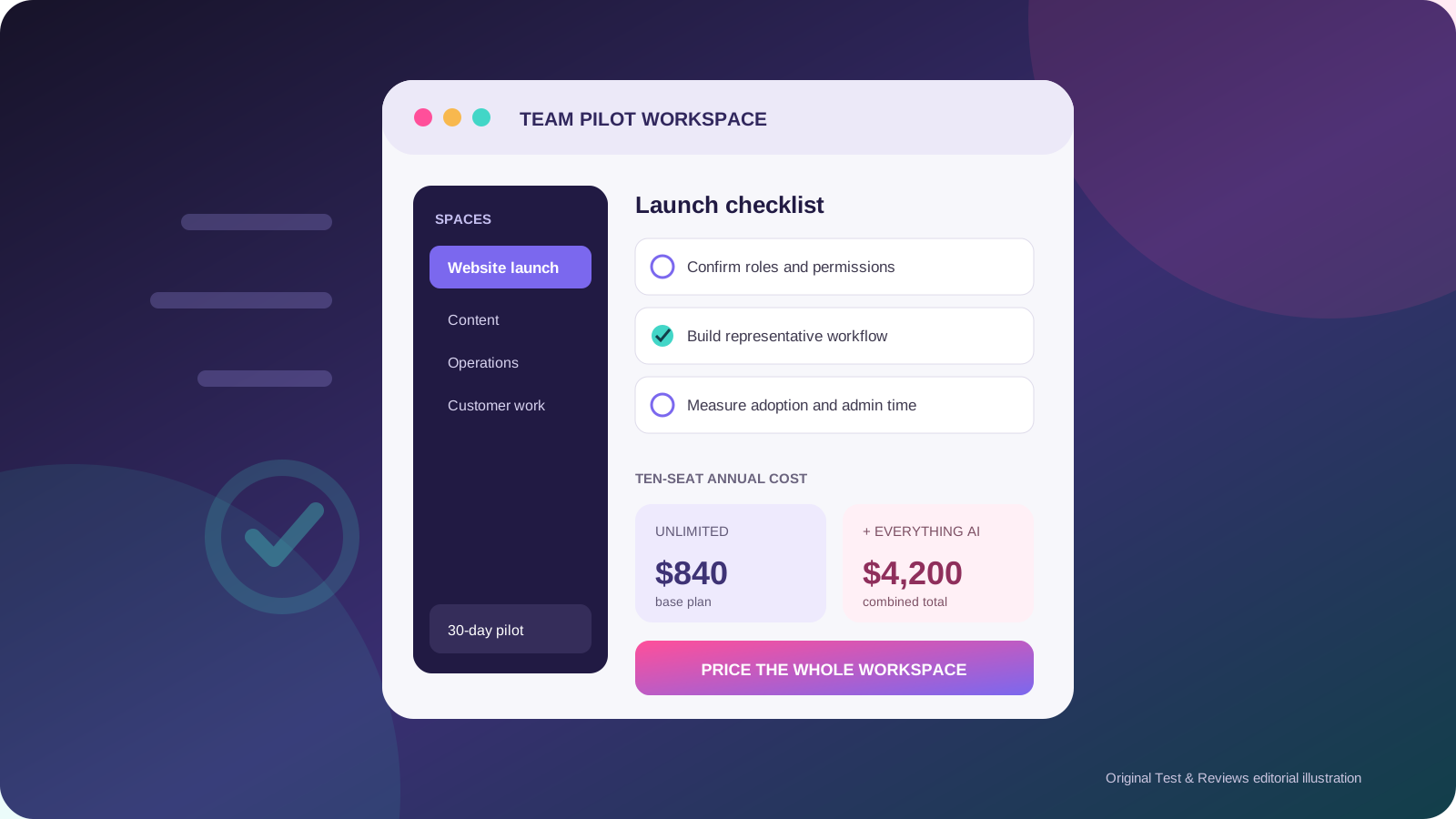
| Ten-person example | Annual cost |
|---|---|
| Unlimited only | $840 |
| Unlimited + Brain AI | $1,920 |
| Unlimited + Everything AI | $4,200 |
| Business + Everything AI | $4,800 |
These examples multiply the published annual per-user rates by ten seats and twelve months; they exclude tax, extra credits and other add-ons. AI add-ons apply to all members and open seats, are prorated to the Workspace billing cycle and renew automatically. Credits do not roll over. A team should therefore test AI value with realistic documents and tasks before committing every seat.
Billing details that can surprise teams
A paid upgrade applies to the whole Workspace, not one selected user. Removing a paid member creates an open seat that can be reassigned; it does not by itself reduce the paid seat count. Add-ons are managed independently and must be removed separately when no longer needed.
A plan downgrade takes effect at the end of the billing cycle, and ClickUp says existing data remains accessible even when paid features can no longer be edited. Before removing a member, transfer private items and review ownership: official guidance warns that private items owned by a removed person can be deleted or become inaccessible while public items remain.
ClickUp's current terms advertise a 30-day satisfaction guarantee for qualifying initial direct purchases and upgrades. Important exclusions include purchases involving a sales representative or reseller, renewals and expansions, and purchases preceded by a completed trial or pilot. Get refund eligibility confirmed in writing when a sales process or trial is involved.
Security and data residency
ClickUp says it hosts on AWS, encrypts data with TLS 1.2 in transit and AES-256 at rest, and maintains certifications including SOC 2 Type 2 and ISO 27001. Enterprise customers can select core data hosting in the United States, Ireland, Australia or Singapore.
That regional choice needs careful interpretation. ClickUp's hosting documentation says core Workspace data can be stored in a selected AWS region, but a feature using subprocessors, including ClickUp AI, may process data outside that region. ClickUp also states that its AI providers are prohibited from training on customer data and use zero third-party retention. Security-sensitive buyers should verify the current data-processing agreement, subprocessor list, retention behavior and feature-specific data flow rather than relying on a marketing badge.
Where ClickUp may become difficult
Independent reviewers consistently value ClickUp's versatility and customization while identifying setup and learning curve as trade-offs. TechRadar's current review describes the interface and collaboration positively but lists a steep learning curve and complicated setup among its disadvantages. We use that observation to define our own test questions, not as proof of our experience.
The most important risk is workflow sprawl. Two teams can create different statuses for the same work, dashboards can become reporting projects of their own, and notifications can obscure the assignments that matter. The remedy is governance: name an owner, publish a small workspace convention, restrict who can add shared fields and statuses, and review unused automations and views every month.
Who should consider ClickUp?
| Good fit | Consider a simpler alternative |
|---|---|
| You want tasks, Docs, Chat, forms and time tracking together. | You only need a lightweight board and basic assignments. |
| Your workflows genuinely require custom fields, statuses and views. | Your team resists configuration and needs strong defaults. |
| You can appoint an owner for governance and onboarding. | Nobody has time to maintain the Workspace. |
| You will measure whether AI or automations save paid time. | You expect every feature to be useful merely because it is included. |
ClickUp alternatives
Trello is easier to understand when the workflow is fundamentally a board with cards and a small number of rules. It sacrifices much of ClickUp's built-in reporting and hierarchy. Read our Trello review, which is also scheduled for a current evidence refresh.
Monday.com emphasizes approachable visual work management and templates. It deserves a controlled comparison on onboarding time, permissions, automation limits and total seat cost rather than a feature-count contest.
Asana is another mature choice for cross-functional project and portfolio work. ClickUp's current official comparison highlights its own lower pricing and broader bundled tools, but an independent pilot should decide which interface and governance model people actually follow.
Our ClickUp hands-on test plan
We will not convert research into a score. A scored update requires a retained Workspace and the following repeatable test:
- Create a clean Workspace with administrator, member and guest roles.
- Import 30 to 50 representative tasks with subtasks, dependencies, files and recurring work.
- Build one intake form, one automation, one dashboard, a Doc and a Chat workflow.
- Measure setup time and ask each participant to complete the same five core actions without assistance.
- Audit notification volume, permissions and visibility of private or AI-accessible content.
- Test desktop and mobile use, bulk edits, search, export and a restore or migration path.
- Run the pilot for at least 30 days and record adoption, missed work and administration time.
- Compare the real invoice for base seats, open seats, AI, credits and tax against the tools replaced.
Final verdict
ClickUp is one of the more convincing all-in-one project-management candidates on paper. Unlimited at $7 per user per month annually bundles an unusually capable core, while Business has a clear reason to exist for teams that need stronger reporting, automation and access controls.
The buying decision should not be based on the longest feature list. Pilot a narrow workflow, measure adoption and administration, and price AI across every paid seat. We are withholding a rating until that test is complete. That is less exciting than a fabricated 9/10, but far more useful when a team is considering a costly migration.
View current ClickUp pricing — direct official link, not an affiliate link as of this update.
Sources and update policy
Current facts were checked against ClickUp's official plan pricing, AI pricing, upgrade guide, AI limits, seat guidance, security page, data-hosting guide and current terms. Independent sources were used to identify usability questions, never to copy prose or replace our testing.
Facts and prices were checked July 22, 2026. The next scheduled review is October 22, 2026, or sooner after a material pricing, AI, plan-limit or data-processing change.