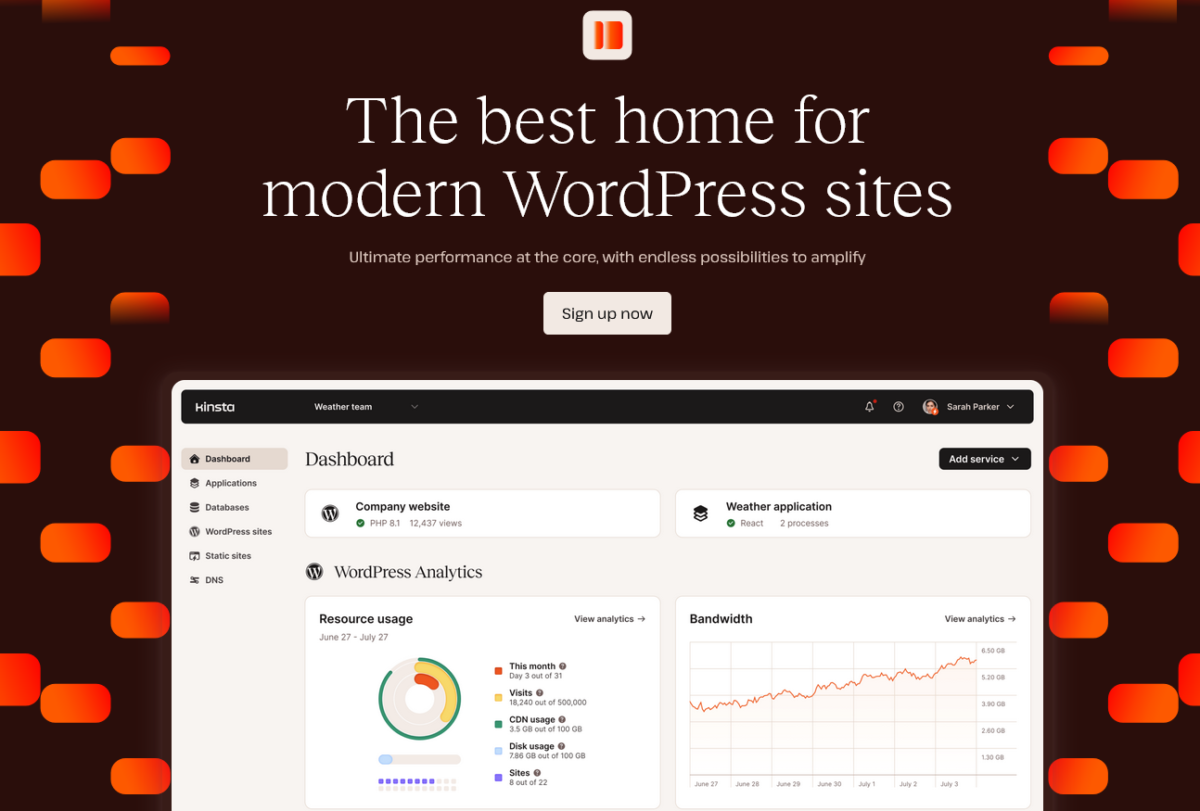
Kinsta is a polished managed WordPress platform for businesses, developers and agencies that prefer convenience over the lowest price. Plans now start at $35 per month, with a choice between visit-based and server-bandwidth-based limits. Cloudflare CDN, edge caching, a managed WAF, DDoS protection, staging, daily backups and migrations are included.
This July 2026 update replaces an older comparison that treated Rocket.net as the automatic winner. The original article was a researched comparison rather than a documented Kinsta account test, so we do not publish a numeric score or claim fresh hands-on results.
Kinsta quick verdict
Kinsta makes the most sense for a revenue-producing WordPress site or an agency that will use MyKinsta's staging, access controls, analytics, APM, API and support. The dashboard and documentation are consistently highlighted as strengths, and the platform includes a serious security and caching stack.
It is harder to justify for a hobby site or a small brochure site where managed tooling has little financial value. The entry plan has 10GB storage and either 35,000 monthly visits or 20GB of server bandwidth. Overages are billed, so the real fit depends on traffic shape and resource use—not only the $35 headline.
Our position: Kinsta belongs on a premium managed WordPress shortlist, but “premium” does not automatically mean fastest or best value for every workload. Choose it for the complete workflow and support model, then verify performance with a copy of your own site during the free first month.
Pros
- Clean MyKinsta dashboard with staging, analytics, APM and developer tools.
- Cloudflare CDN, edge caching, WAF, DDoS protection and SSL are included.
- Unlimited free standard migrations and 24/7 chat support for paid customers.
- Choice of visit-based or server-bandwidth-based pricing.
Cons
- $35 monthly entry price is high for small or non-commercial sites.
- Storage, traffic, server bandwidth and CDN bandwidth are all plan limits.
- Overages can make a traffic spike more expensive.
- This review still needs a fresh first-party account test before receiving a score.
What changed since the original Kinsta review?
| Old article | Current finding | What we changed |
|---|---|---|
| Kinsta starts at $30 per month. | The entry plan is $35 monthly; $30 is the displayed monthly equivalent when $350 is billed annually. | Separated monthly and annual pricing. |
| Rocket.net clearly offers more because it includes Cloudflare at the edge. | Kinsta now includes a Cloudflare-powered CDN and optional edge caching across its WordPress plans. | Compare the full plans and uncached workloads, not one CDN claim. |
| Only visit-based limits were discussed. | Kinsta now lets buyers choose a visit allowance or a server-bandwidth allowance at the same plan price. | Explain both pricing models and their overages. |
| PHP 7.2 and old stack details were presented as current. | Those details are obsolete and change too frequently to preserve without a current source. | Removed outdated version claims. |
| Kinsta could not be recommended because Rocket was a better value. | The products now overlap more; Kinsta's workflow, access controls and developer tooling can justify the price for some buyers. | Replaced the blanket rejection with buyer-fit guidance. |
What the original review actually established
The 2023–2024 article compared Kinsta's public plan information with the site owner's positive Rocket.net experience. It did not preserve evidence of opening a Kinsta account, migrating the same test site or running a controlled benchmark. Its strongest authentic editorial input is therefore the owner's concern about value: premium hosting has to earn its price through better tools, support or less operational work.
That concern remains valid, but the old conclusion was too absolute. A fair 2026 review must assess what Kinsta includes now and avoid transferring Rocket.net experience into claims about a product that was not tested under the same conditions.
Kinsta features that matter in 2026
MyKinsta and site workflow
MyKinsta centralizes sites, staging environments, backups, cache controls, analytics, logs, redirects and user access. Kinsta also includes SSH, WP-CLI, Git-related workflows, an API and its application performance monitoring tool. These are practical reasons to choose a managed platform; they reduce the number of separate tools an agency or developer must maintain.
Cloudflare CDN and edge caching
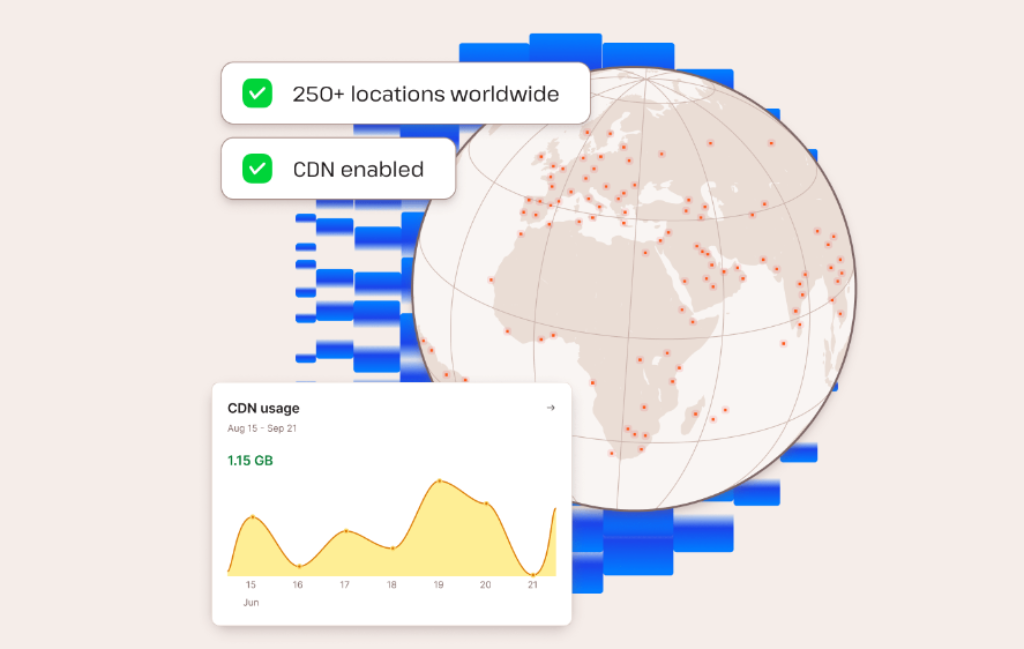
Kinsta's CDN is powered by Cloudflare and enabled by default on new sites. It serves static assets and includes HTTP/3 delivery. Kinsta's separate edge-caching feature can copy the full-page cache to Cloudflare locations closer to visitors, without a separate plugin.
Edge caching has limitations. Logged-in users, carts, checkout pages and other personalized requests bypass cache. Kinsta also documents incompatibilities with some geolocation variations, custom exclusions and Cloudflare APO. Performance testing must therefore include both cached public pages and dynamic WordPress requests.
Security and backups
All current plans list wildcard SSL, a managed WAF, DDoS protection, bot protection and free malware removal. Daily backups are included. Entry and mid-level plans generally retain backups for 14 days, while larger plans retain them longer; external and hourly backup options are add-ons.
Migrations and support
Unlimited standard migrations are included. Support is available by chat around the clock to customers with an active paid plan. Kinsta does not offer phone support; it keeps troubleshooting in the online system where technical context, screenshots and prior conversations can be shared.
Kinsta performance: strong claims, mixed independent results
Kinsta supplies a capable platform and an edge layer, but independent 2026 tests do not produce one universal ranking. TechRadar highlighted the dashboard and agency workflow and reported useful performance in its tests. HostingStep's separate benchmark ranked Kinsta lower than several competitors while still finding strong load handling and hardware performance.
Those differing results are not a reason to choose a favorite source. They show why test location, plan, caching state, site build and workload must be visible. Our future Kinsta test will use the same WordPress image as Rocket.net and will measure cached global TTFB, uncached origin response, admin tasks, database-heavy actions and concurrent requests.
Kinsta pricing in July 2026
Kinsta offers parallel visit-based and bandwidth-based plans. For example, the $35 single-site tier can include either 35,000 monthly visits or 20GB of server bandwidth. Both variants include 10GB storage and 125GB CDN bandwidth. Annual billing is discounted by two months.
| Plan | Monthly | Annual equivalent | Sites | Primary allowance | Storage |
|---|---|---|---|---|---|
| Single 35k visits | $35 | $30 | 1 | 35,000 visits | 10GB |
| Single 20GB bandwidth | $35 | $30 | 1 | 20GB server bandwidth | 10GB |
| Single 65k visits | $50 | $42 | 1 | 65,000 visits | 10GB |
| WP 2 visits | $70 | $59 | 2 | 70,000 visits | 20GB |
| WP 5 visits | $115 | $96 | 5 | 125,000 visits | 30GB |
New customers can receive the first 30 days free on the Single 35k visits, Single 20GB bandwidth and WP 2 plans. Overages still apply during that period. Kinsta currently charges $0.50 per 1,000 visits above a visit allowance, $0.50 per GB above server bandwidth, and a prorated $2 per GB per month for excess disk space.
Check Kinsta's current pricing and resource table before purchasing.
Who should choose Kinsta?
- Choose it if WordPress generates revenue and a managed workflow saves meaningful staff time.
- Choose it if an agency needs staging, user permissions, migrations, analytics and developer tooling in one dashboard.
- Consider it if Cloudflare-backed delivery and strong security defaults are more important than server-level control.
- Skip it if a $35 entry price is difficult to justify for a hobby or low-traffic site.
- Skip it if storage-heavy media or unpredictable traffic makes the plan limits and overages risky.
Kinsta alternatives
Rocket.net is the closest current alternative on this site. It also includes an edge-led security and delivery stack, but uses different site, storage and bandwidth limits. Rocket.net is the better comparison when managed simplicity and support are the priority.
Servebolt is relevant for buyers focused on origin performance and a different infrastructure approach. That article still needs its 2026 update.
Budget shared hosting can be adequate for small sites, but it is not a direct feature-for-feature comparison. Buyers should compare the time spent on migrations, security, staging and troubleshooting—not only the monthly bill.
Final verdict
Kinsta is a serious managed WordPress platform with a thoughtful dashboard, strong security defaults, Cloudflare delivery and useful developer tools. The current product is broader than the version criticized in the old article, and a blanket “Rocket is better” conclusion is no longer defensible.
The premium still has to earn its keep. Small sites may not use enough of the platform to justify $35 per month, while high-traffic or storage-heavy sites must model the limits and overages carefully. Kinsta is a strong shortlist choice for professional WordPress work, pending a fresh first-party test before we award a score.
How we researched this update
We checked Kinsta's official pricing, plan, overage, backup, CDN, edge-caching and support documentation on July 22, 2026. We also consulted independent positive and critical tests to define the questions a future hands-on comparison must answer. Their wording and verdicts were not copied.